PJ
Pujan JoshiFor my project
Building Accessible Web Applications
15 January, 20265 min read
Building Accessible Web Applications
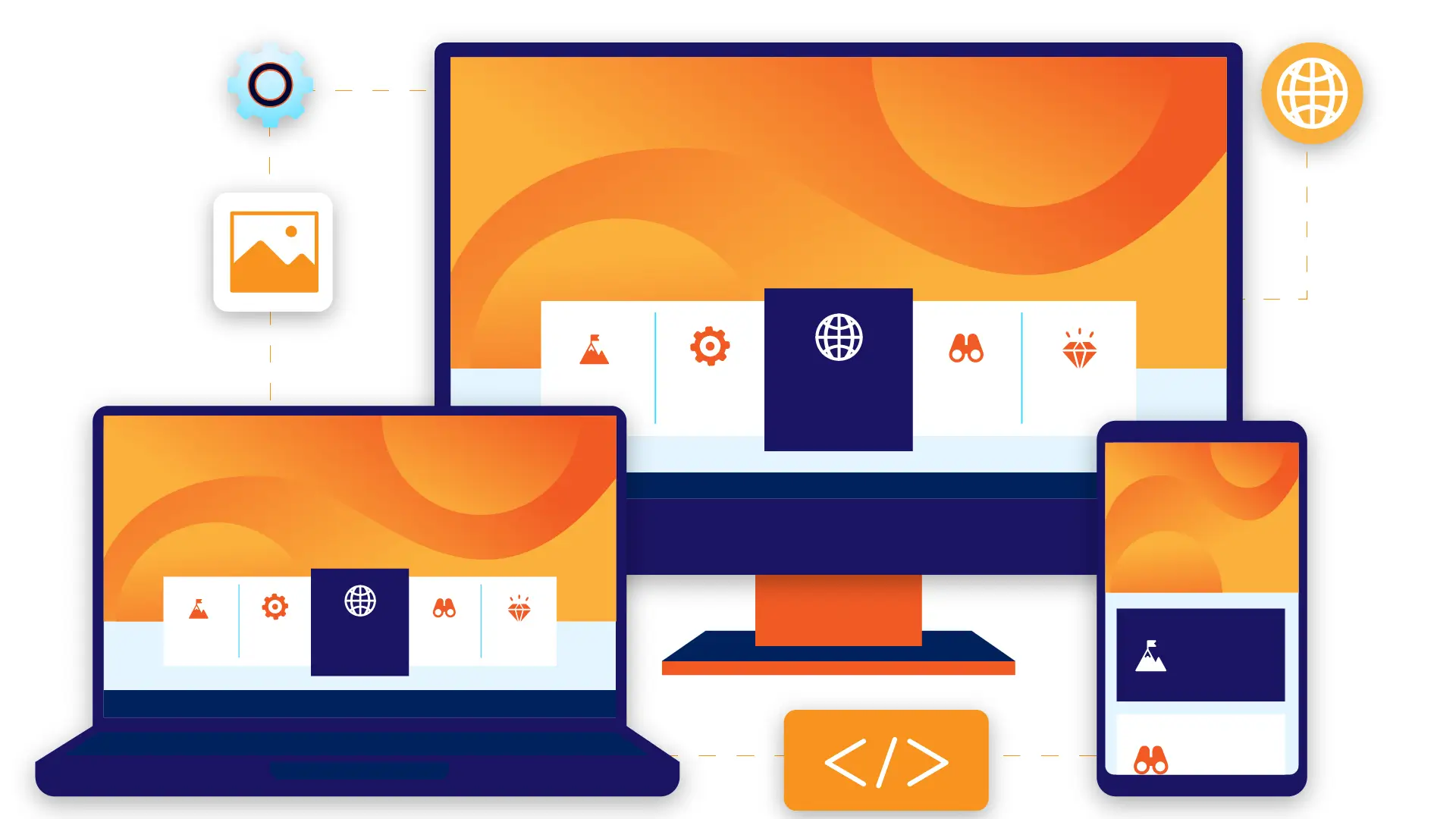
Web accessibility isn't optional—it's essential. Let's explore how to create inclusive digital experiences.
Why Accessibility Matters
- 1 billion people worldwide have disabilities
- Legal compliance (ADA, WCAG guidelines)
- Better UX for everyone
- Improved SEO through semantic HTML
Semantic HTML
Start with proper HTML structure:
<header>
  <nav aria-label="Main navigation">
    <ul>
      <li><a href="/">Home</a></li>
      <li><a href="/blog">Blog</a></li>
    </ul>
  </nav>
</header>

<main>
  <article>
    <h1>Article Title</h1>
    <p>Content goes here...</p>
  </article>
</main>
Keyboard Navigation
Ensure all interactive elements are keyboard accessible:
- Tab order should be logical
- Focus states must be visible
- Skip links for main content
a:focus-visible, button:focus-visible {
  outline: 2px solid #e85d04;
  outline-offset: 2px;
}
ARIA Attributes
Use ARIA to enhance semantics when HTML isn't enough:
<button
  aria-label="Close dialog"
  aria-expanded="true"
>
  <svg aria-hidden="true">...</svg>
</button>
Color Contrast
Maintain WCAG AA standards:
- Normal text: 4.5:1 contrast ratio
- Large text: 3:1 contrast ratio
- Don't rely on color alone to convey information
Testing Tools
- axe DevTools - Browser extension for automated testing
- Screen readers - NVDA, JAWS, VoiceOver
- Keyboard only - Navigate without a mouse
.png)
Conclusion
Accessibility is a journey, not a destination. Start small, test often, and continuously improve. Your users will thank you!